Product tour · No sign-up
One hire, eight screens.
See it before you ask for anything.
Follow a single person through the system — applied, hired, working, reporting, recognised. Every screen is the real product against example data.
Step 1 of 8

Step 01
An application arrives
Your careers page asks the questions you actually screen on — qualifications, uploads, structured answers — instead of collecting résumés in an inbox.
See this feature: Careers page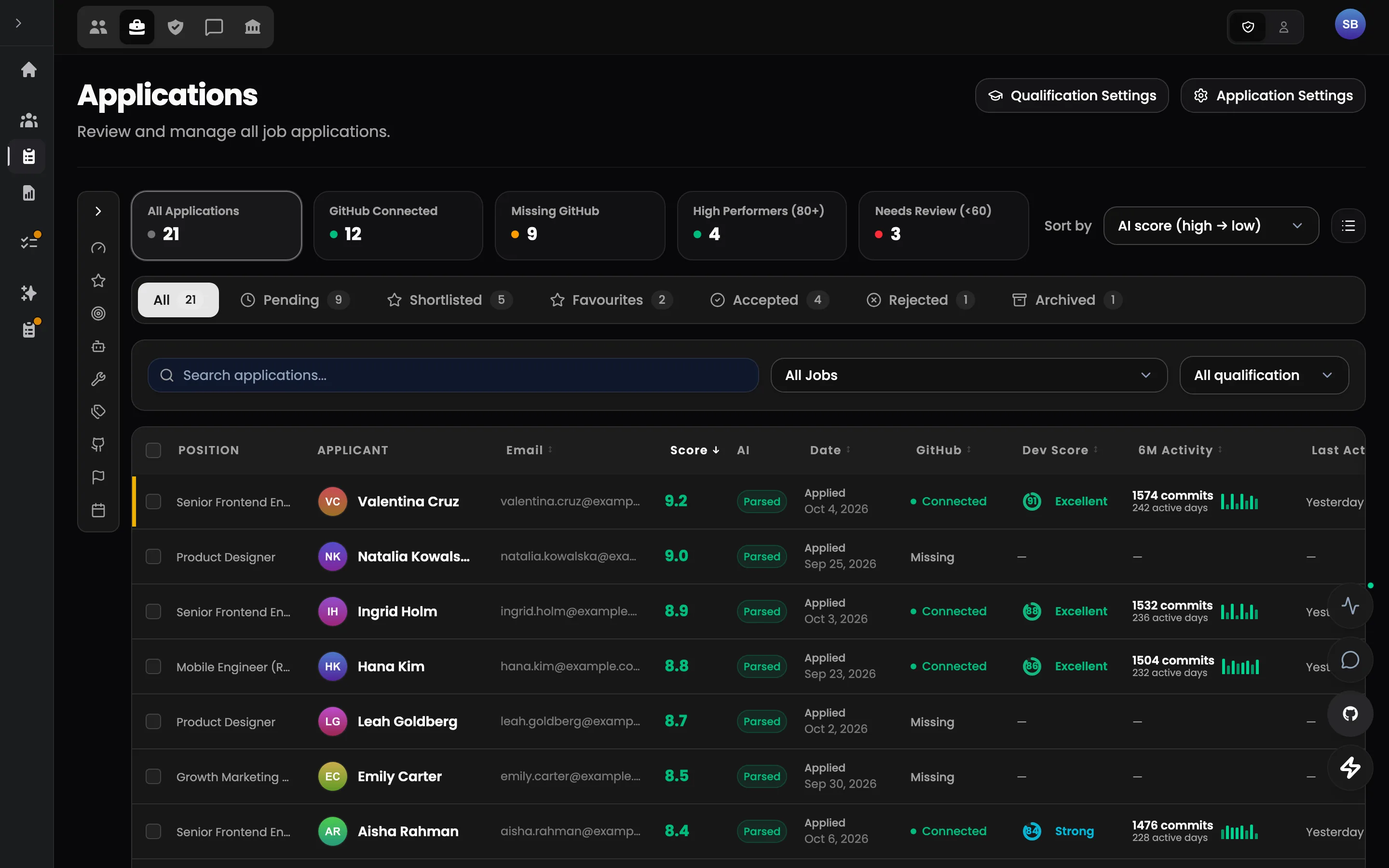
Step 02
Screened on evidence
Applicants sit in your own stages with parsed skills, notes and a next step. Who may move whom, and what each move triggers, is a rule rather than a habit.
See this feature: Hiring pipeline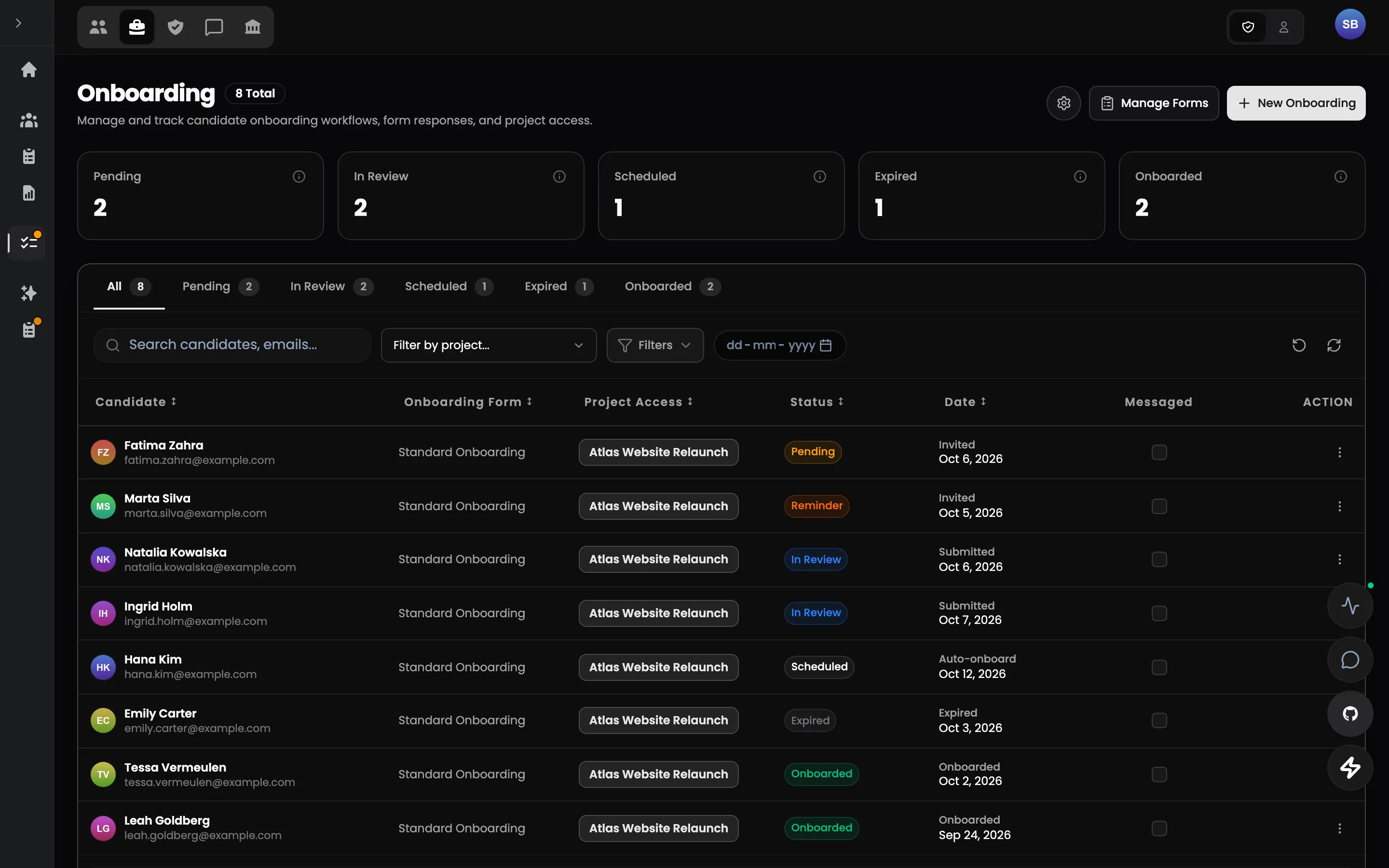
Step 03
Hired — access comes with them
Accepting the applicant creates the team member: role, projects, rooms and documents granted with the hire. Nothing is entered a second time.
See this feature: Onboarding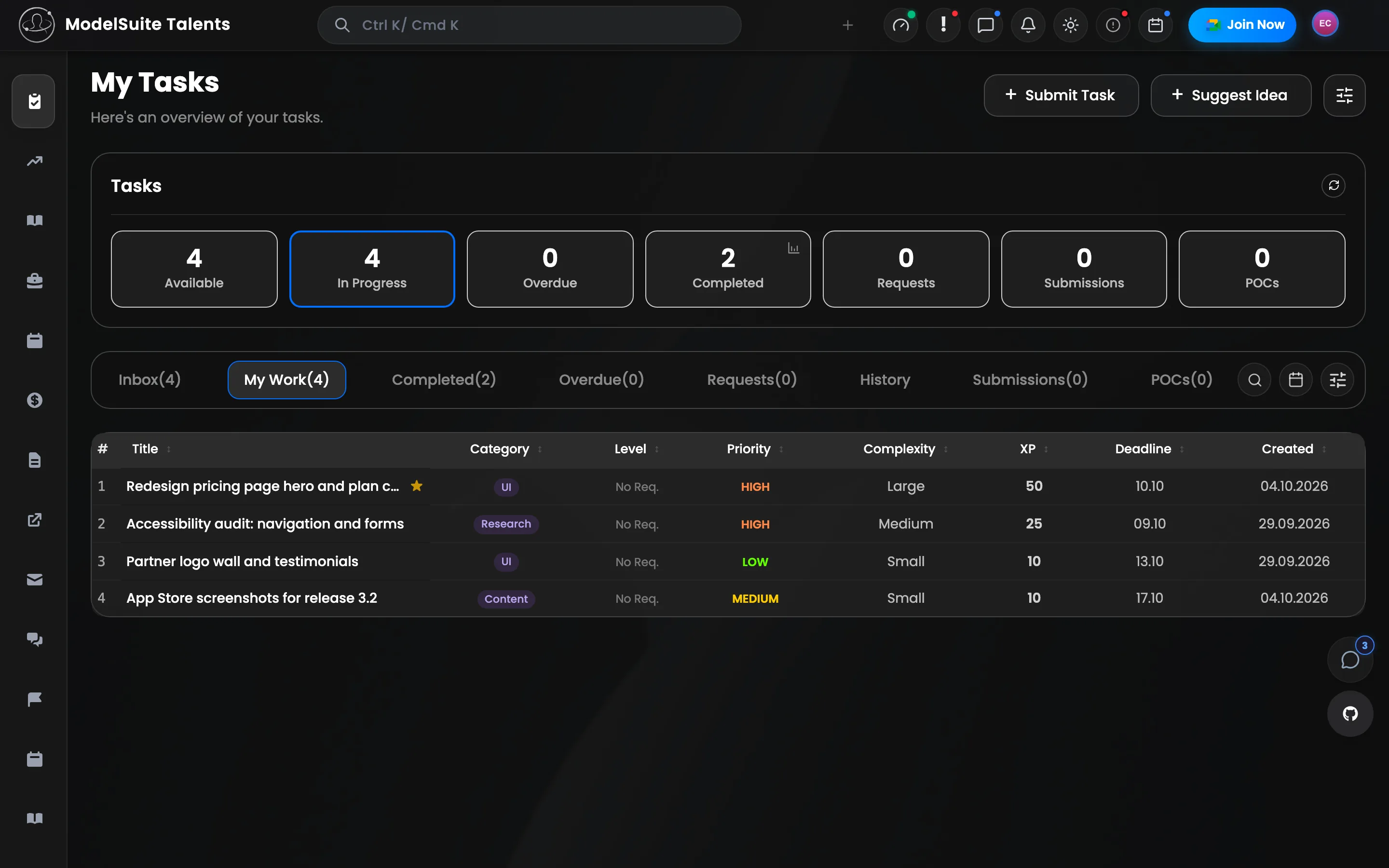
Step 04
The first task, with its brief
A task carries its requirements, assets, reviewer, deadline and XP. The person sees exactly what “finished” means before they start.
See this feature: Tasks & reviews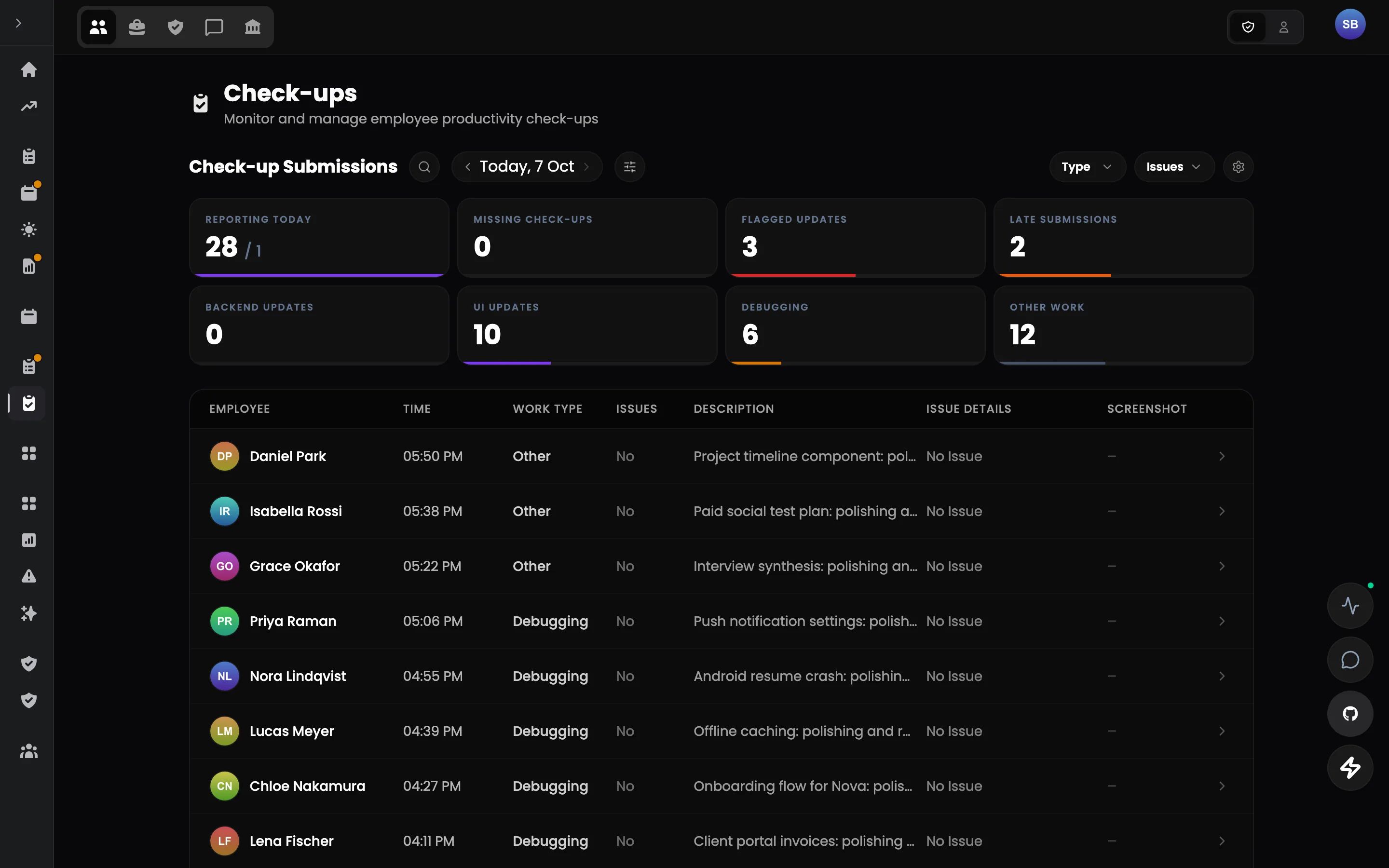
Step 05
The day's intent, in the morning
Each person commits the day's deliverables at the start of the shift, checks in during it, and reports against that plan in the evening — reviewed by a person.
See this feature: Daily check-ups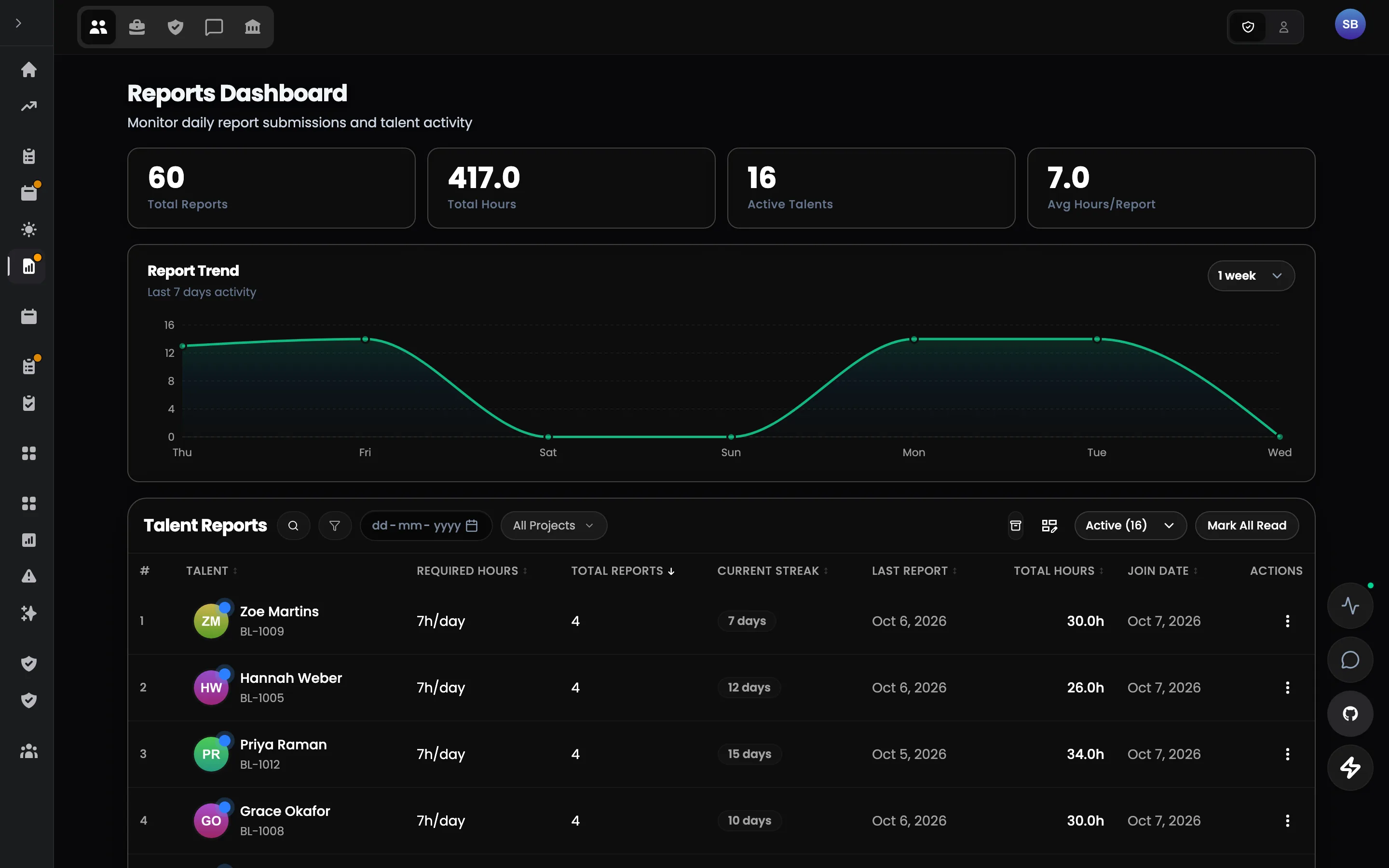
Step 06
Hours that match the report
The shift report records what moved, against attendance synchronised from time tracking. The two agree because they are written on the same record.
See this feature: Shift reports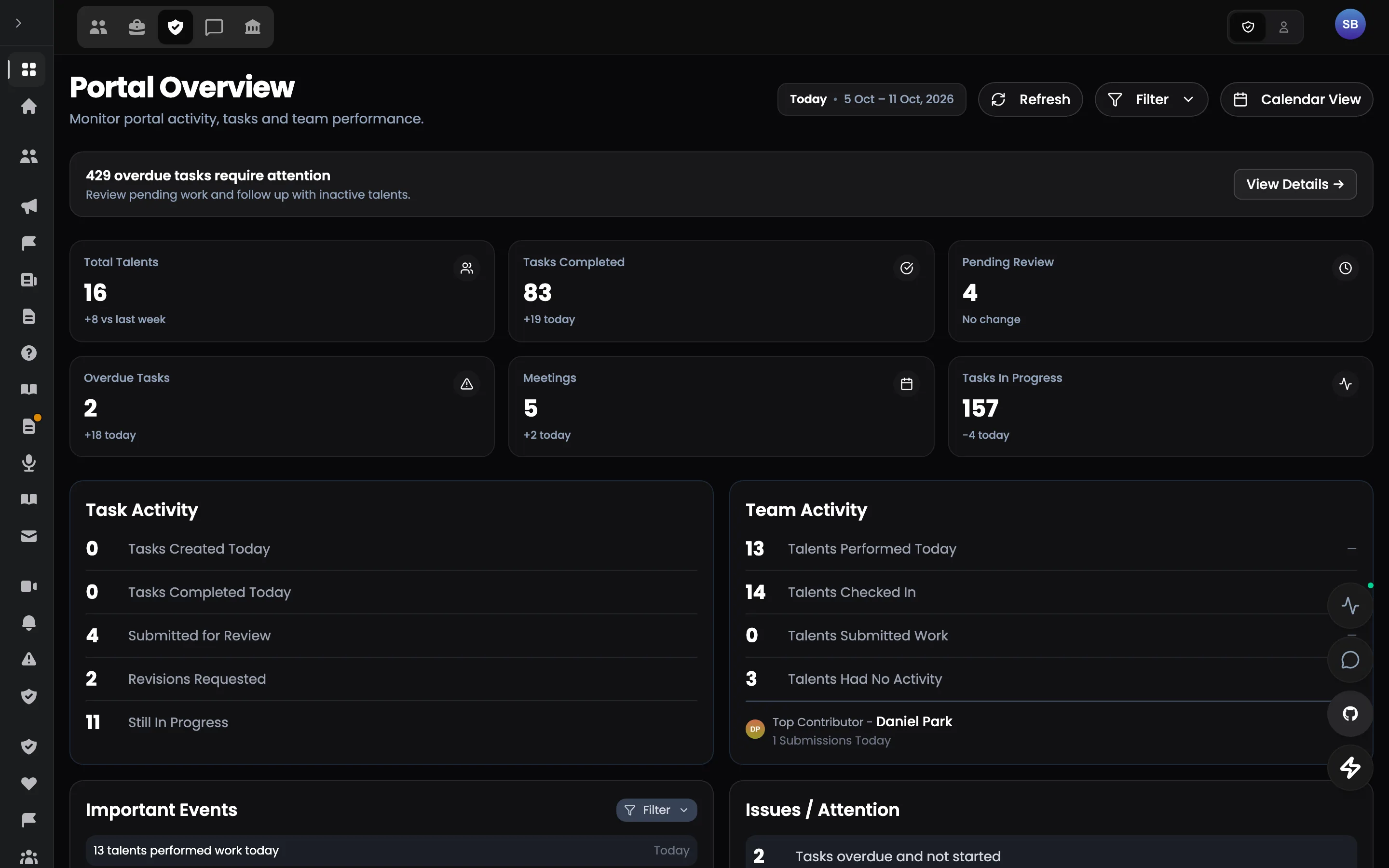
Step 07
The admin never has to ask
Check-ups, tasks, meetings, attendance and who needs attention today — computed from the work itself. Every number opens the records behind it.
See this feature: Operations overview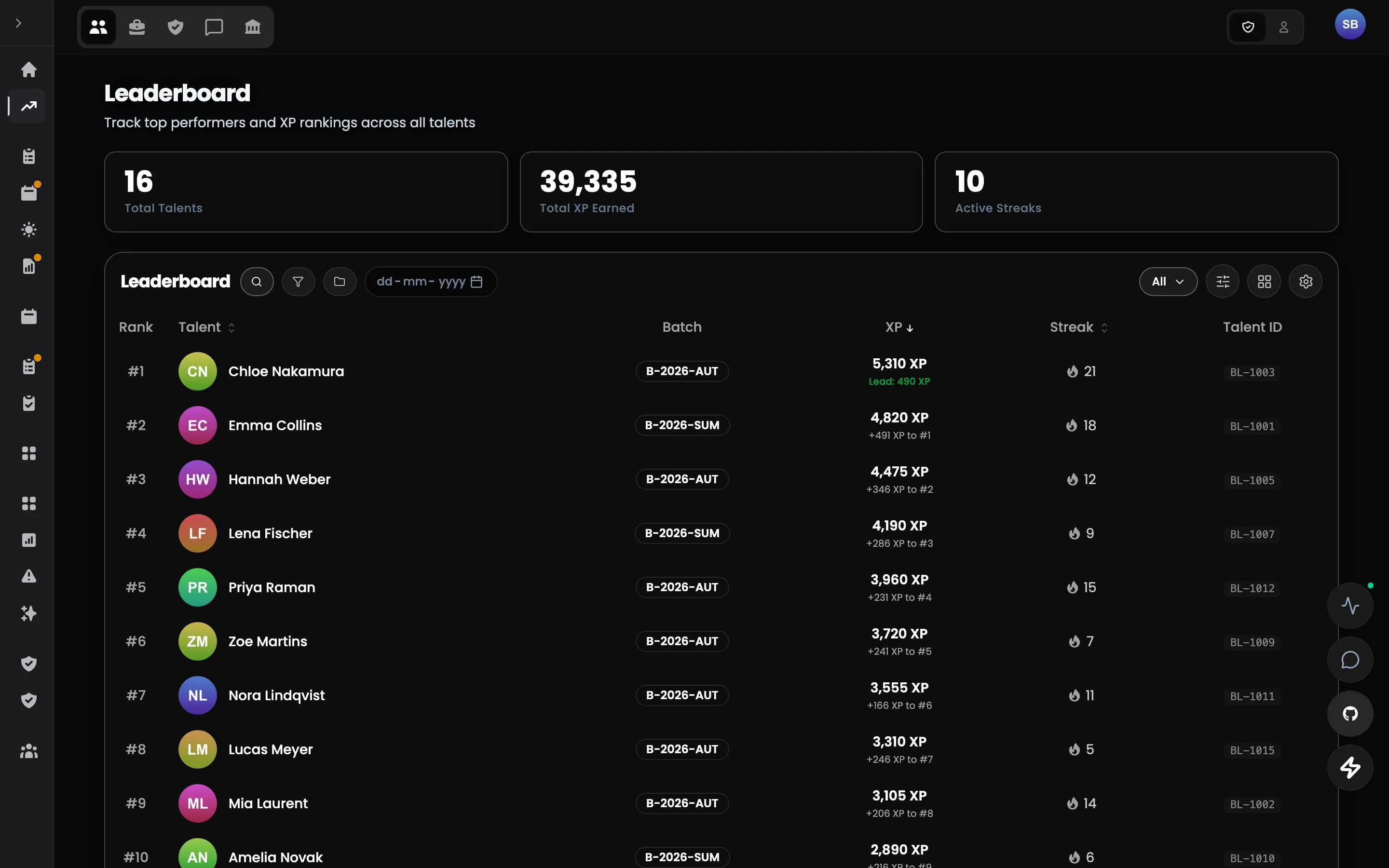
Step 08
Good work stays visible
Approved work earns XP, levels unlock access, badges mark milestones and leaderboards run monthly and all-time. Every award is configurable and recorded.
See this feature: XP, badges & leaderboardAfter the tour
That was the whole loop.
Every screen you just saw writes to the same record — which is why none of it had to be entered twice. A pilot puts one of your own workflows through it.