Who it is for
Administrators and the people who own policy and access.
Talents, content, meetings, strikes, access and every system setting — with an audit trail underneath.
- Talent registry and offboarding
- Announcements, policies, knowledge
- Roles, permissions and audit trail
- Company configuration
35 modules
Inside the portal
Every module, as named in the product's own navigation.
User Management
Talents
The registry: batches, status, level and permissions.
Bulk Upload
Create or update many talents from one file.
Registration Registry
Who registered when, from which invite.
Offboarding
Offboarding notices with dates and handover; access revoked with the exit.
Suspensions
Suspension with reason and duration; a peer notice to the team, worded once.
Alumni Certificates
Issued from the record on exit; verifiable.
Alumni Campaigns
Email campaigns to alumni: manual or everyone matching.
Content & Communication
Announcements
Targeted broadcasts with read receipts.
Company Milestones
The organization's timeline, visible to everyone.
Alumni News
Updates for talents who have moved on.
Policy Management
Rules and policies with versioned acceptance.
FAQ & Support
Knowledge base plus a support queue.
Resources
Files, videos and links with role-based access.
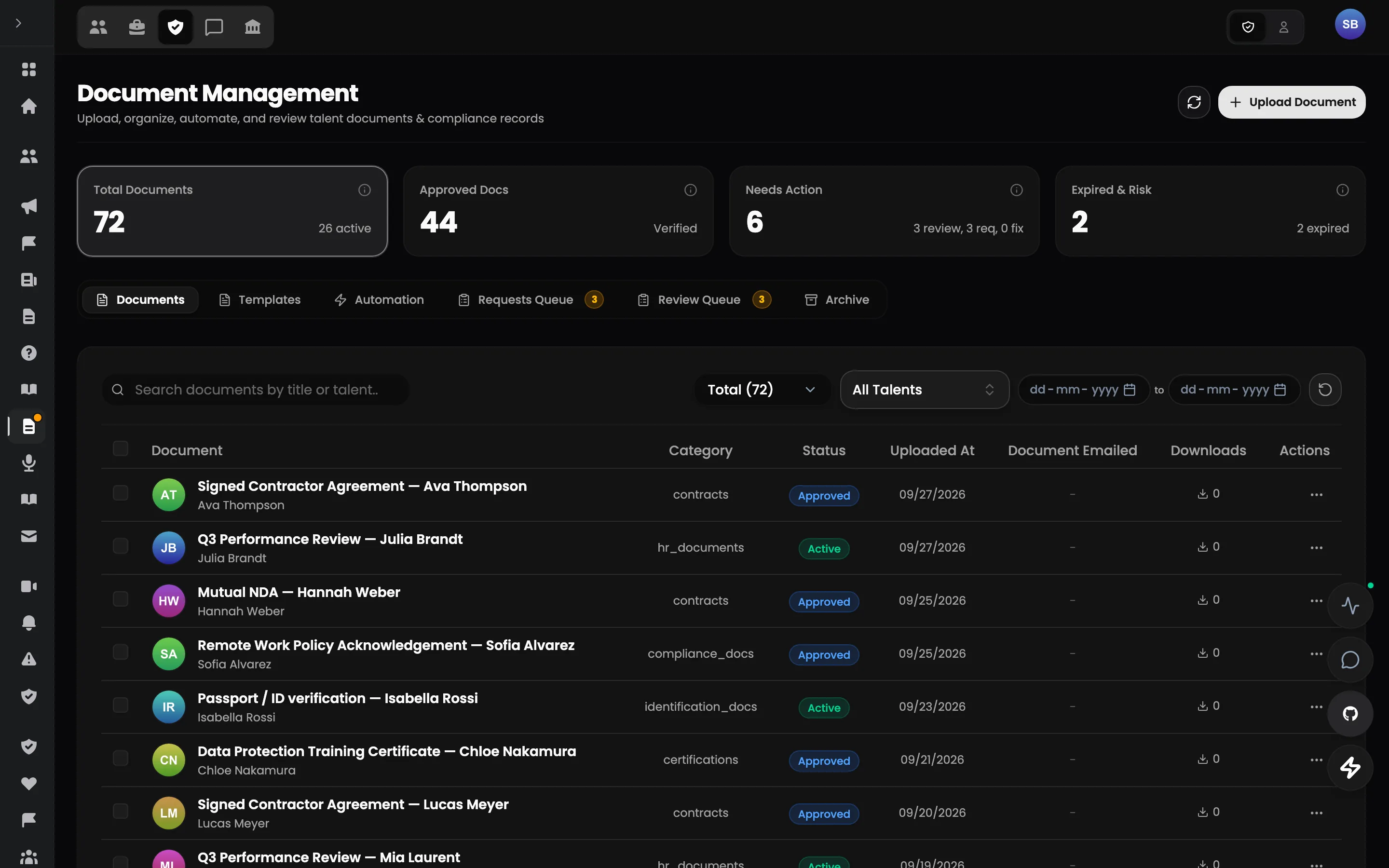
Documents
Talent documents, approvals and expiry.
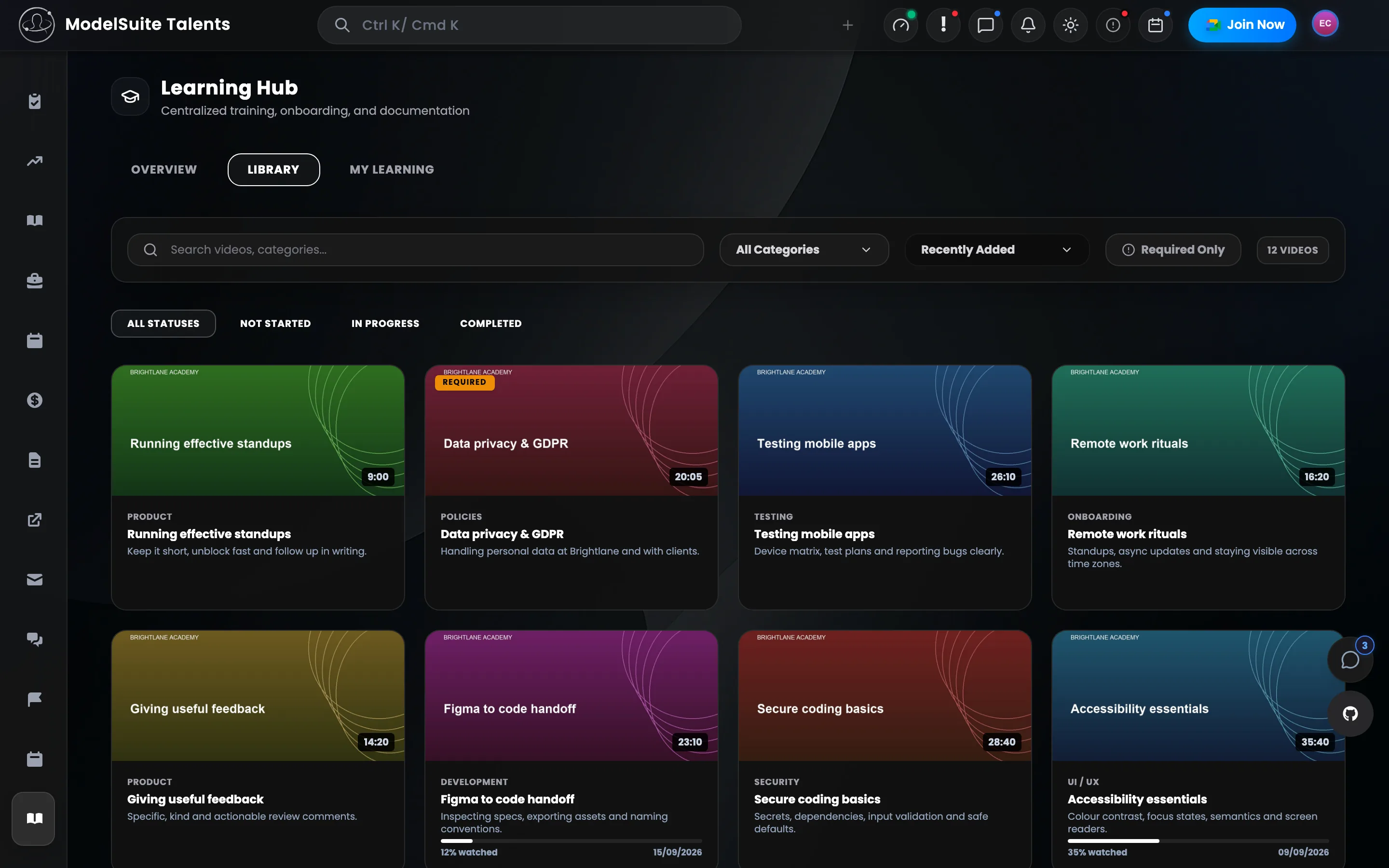
Learning Hub
Courses and videos with progress per talent.
Media Transcription
AI transcripts for uploaded audio and video.
Email
Send and track email from inside the portal.
Document Templates
Templates with placeholders in five languages; generated as PDF, DOCX or HTML per person.
Support Tickets
Categories, priority, status history; resolved directly, converted to FAQ or linked.
Knowledge Base
Articles by category, with slugs.
Bookmarks & Notes
Personal quick links in folders; notes in folders, archived when done.
Operations
Meetings
Scheduling, attendance, summaries and missed-meeting reports.
Notifications
What the portal sends, to whom, on which channel.
Strikes
Structured discipline with severity, evidence and response.
Portal Access Control
Lock, restrict or open the portal per group.
System
Audit Trail
Every change, by whom, when — immutable.
System Health
Service status and checks for admins and talents.
Team Management
Admin teams and who belongs to them.
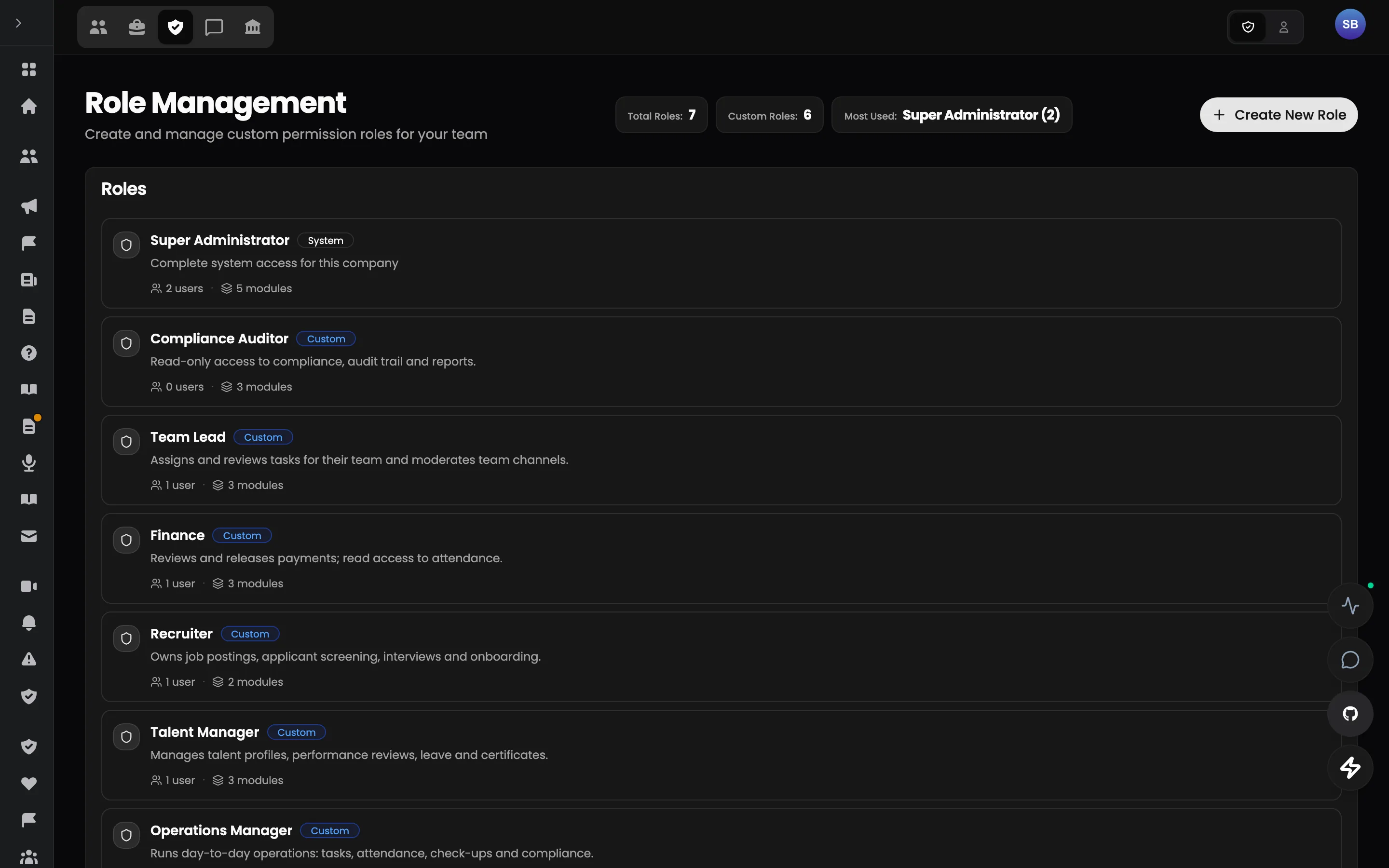
Role Management
Roles with granular permissions per module.
Payments
Payment history and dashboards per talent.
Integrations
Jibble, email, push and the rest, configured once.
Company Configuration
Branding, indicators, gates and evaluation settings.
Navigation Presets
Sidebar tabs per role, from presets.
Sensitive Data Access
Masking of sensitive fields; access only with the permission.
Deployment Status
Which version is running where.
Module list follows the product's navigation configuration.
The pilot
Don't replace your stack on day one.
Start with the one workflow where fragmentation costs the most. Run Talent Portal alongside your current tools, measure the result, and expand only if it works.