Operations teams
See today. Run today. Know what moved.
For operations leads running shifts, attendance, daily priorities and reports for a workforce — and assembling the picture by hand at the end of the week.
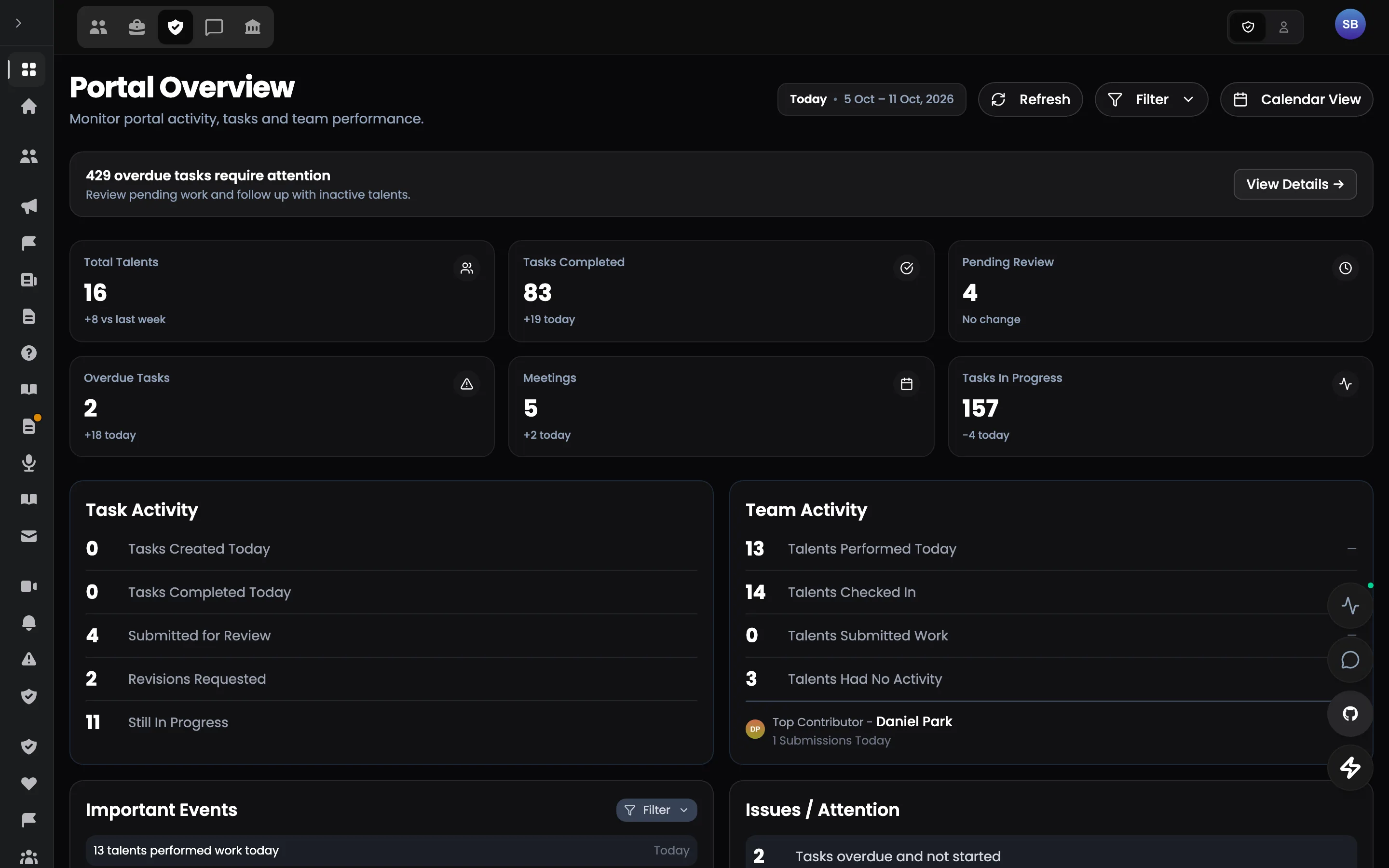
The problem today
Operations teams
- 01Attendance is in a time-tracking tool, leave in a spreadsheet, shifts in a calendar.
- 02The day's priorities are set in a stand-up and lost by the afternoon.
- 03Reports are written after the fact and rarely match tracked hours.
- 04Compliance is a feeling until someone builds the spreadsheet.
The connected workflow
See today. Run today. Know what moved.
- 01
Check in
Attendance synchronised from time tracking.
- 02
Priorities set
The morning check-up per person.
- 03
Work moves
Tasks and meetings on the same record.
- 04
Report filed
Hours and what was completed, verified.
- 05
Standards measured
Compliance and performance from the record.
Key features
Work
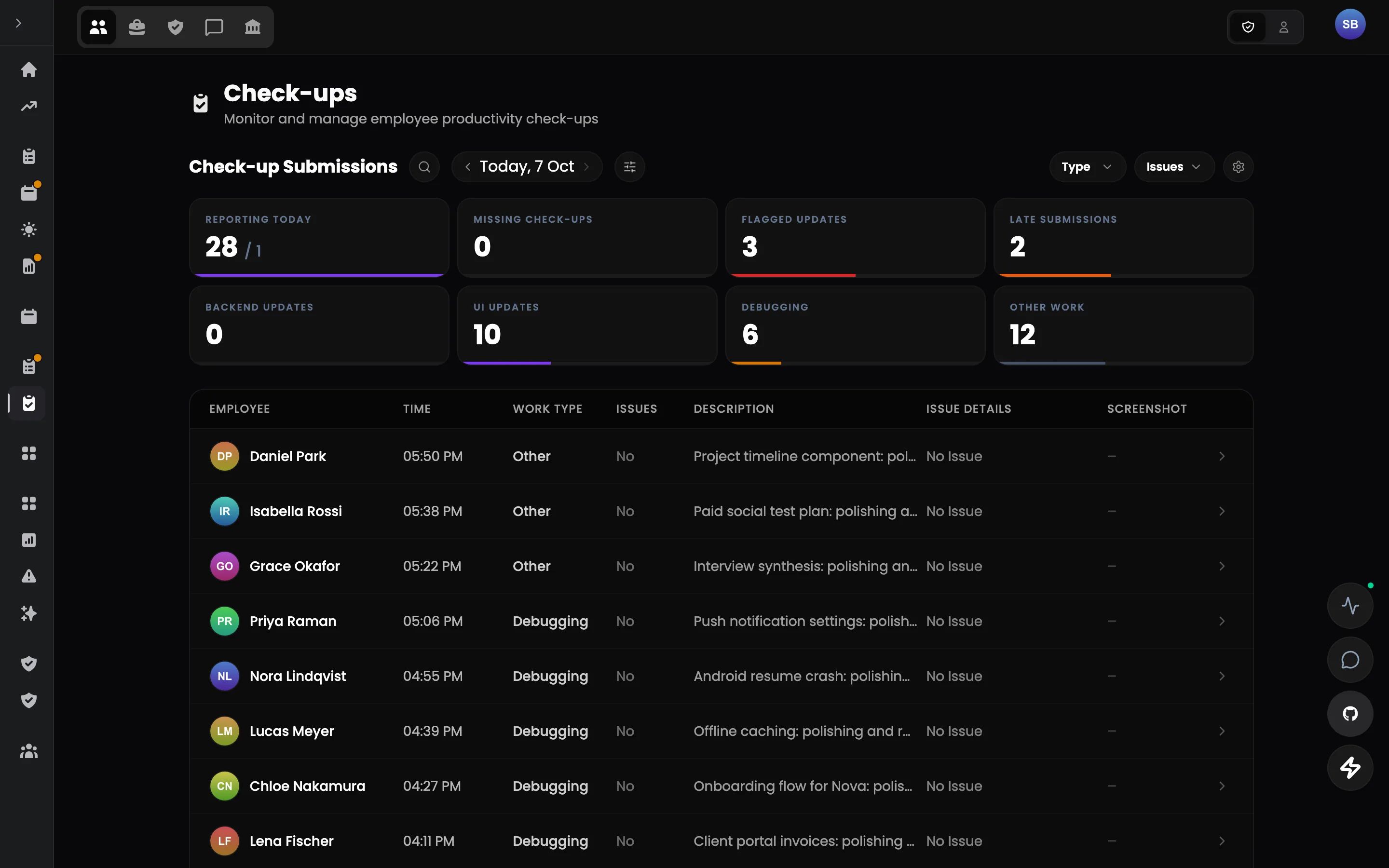
Daily check-ups
Morning intent. Evening proof.
Explore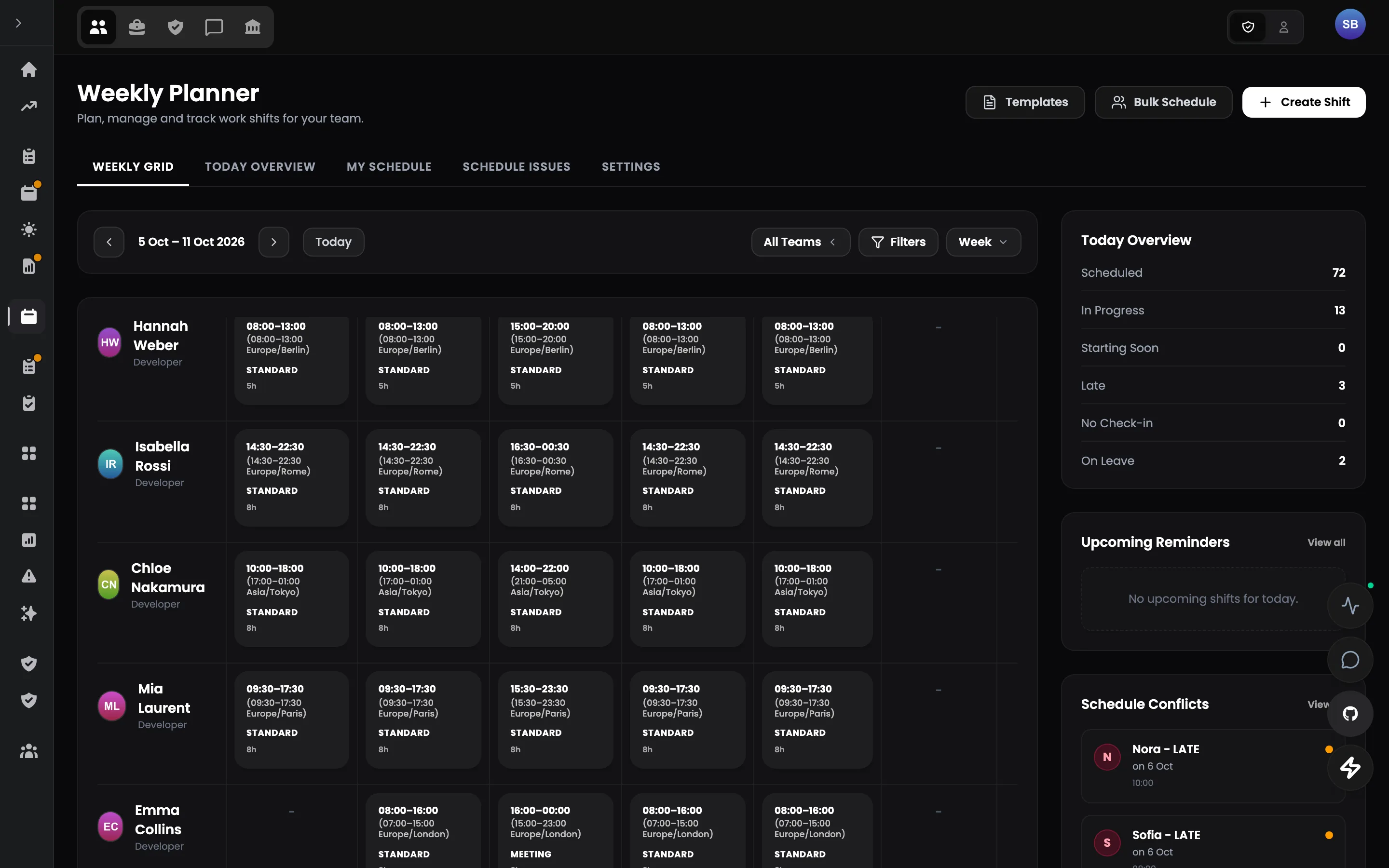
Work
Schedule & shifts
Know your real capacity before it becomes a surprise.
Explore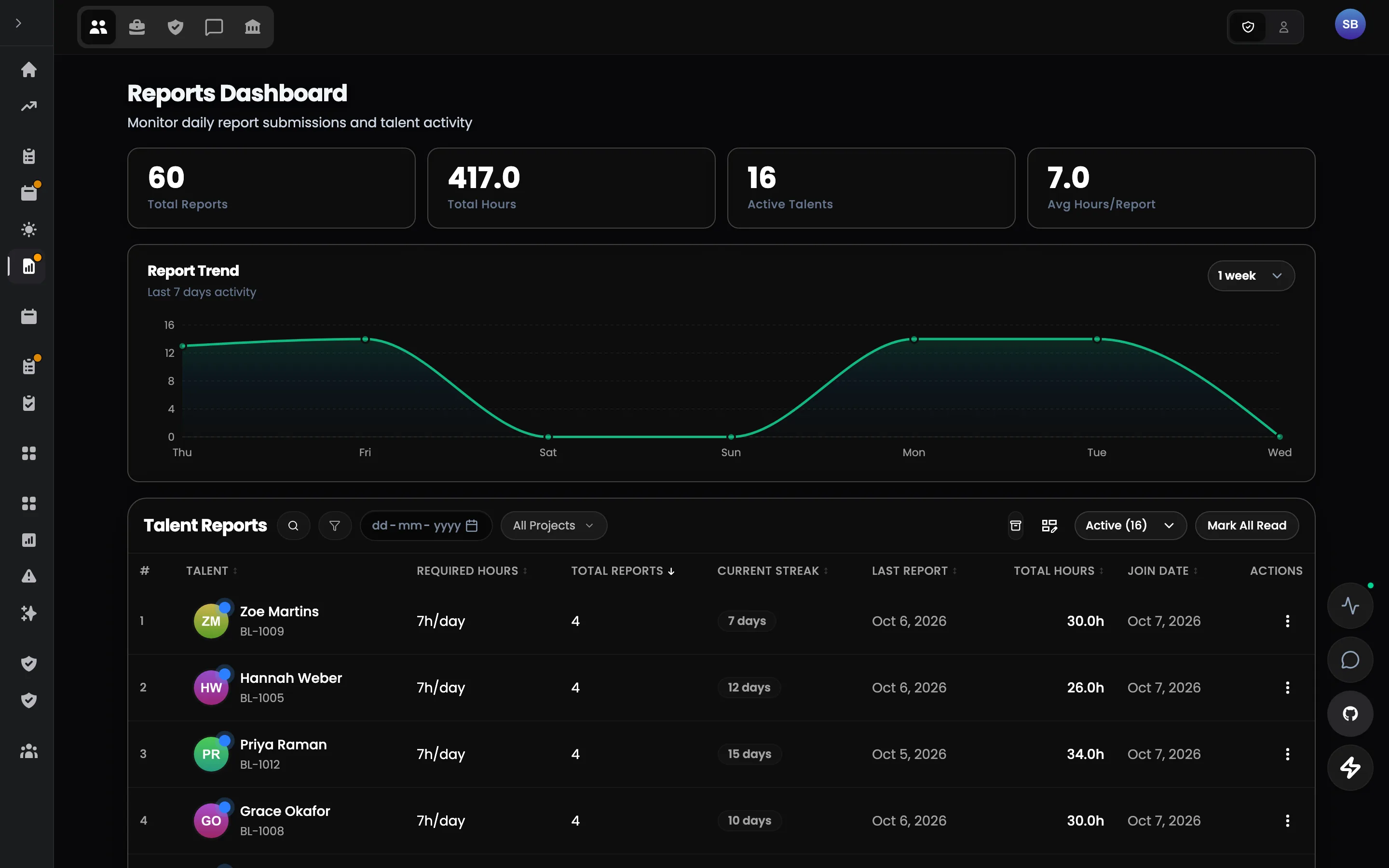
Work
Shift reports
Reports that agree with the hours.
Explore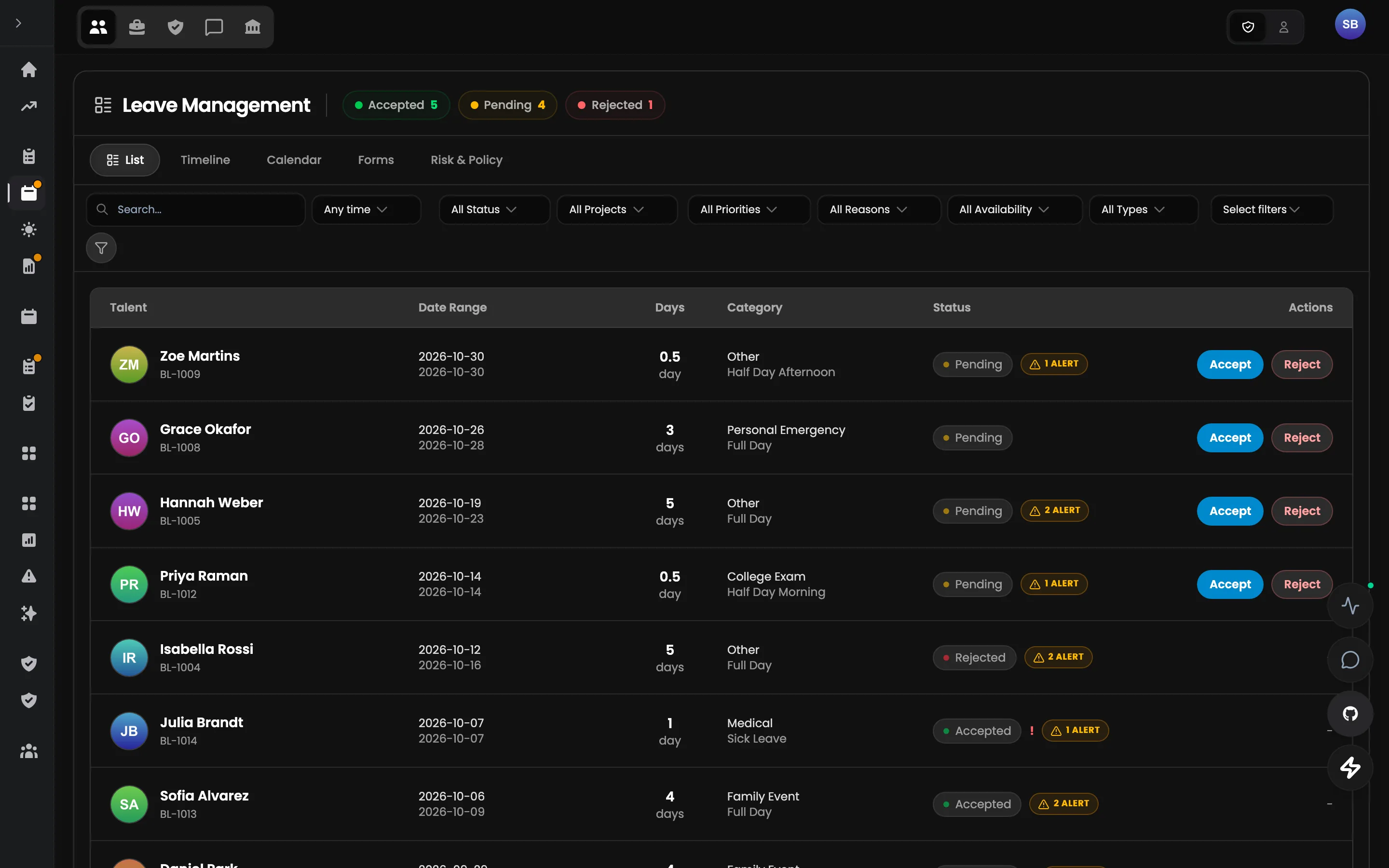
People
Time off & attendance
Leave that changes capacity — automatically.
ExploreOperations
Operations overview
Operational health in five seconds.
Explore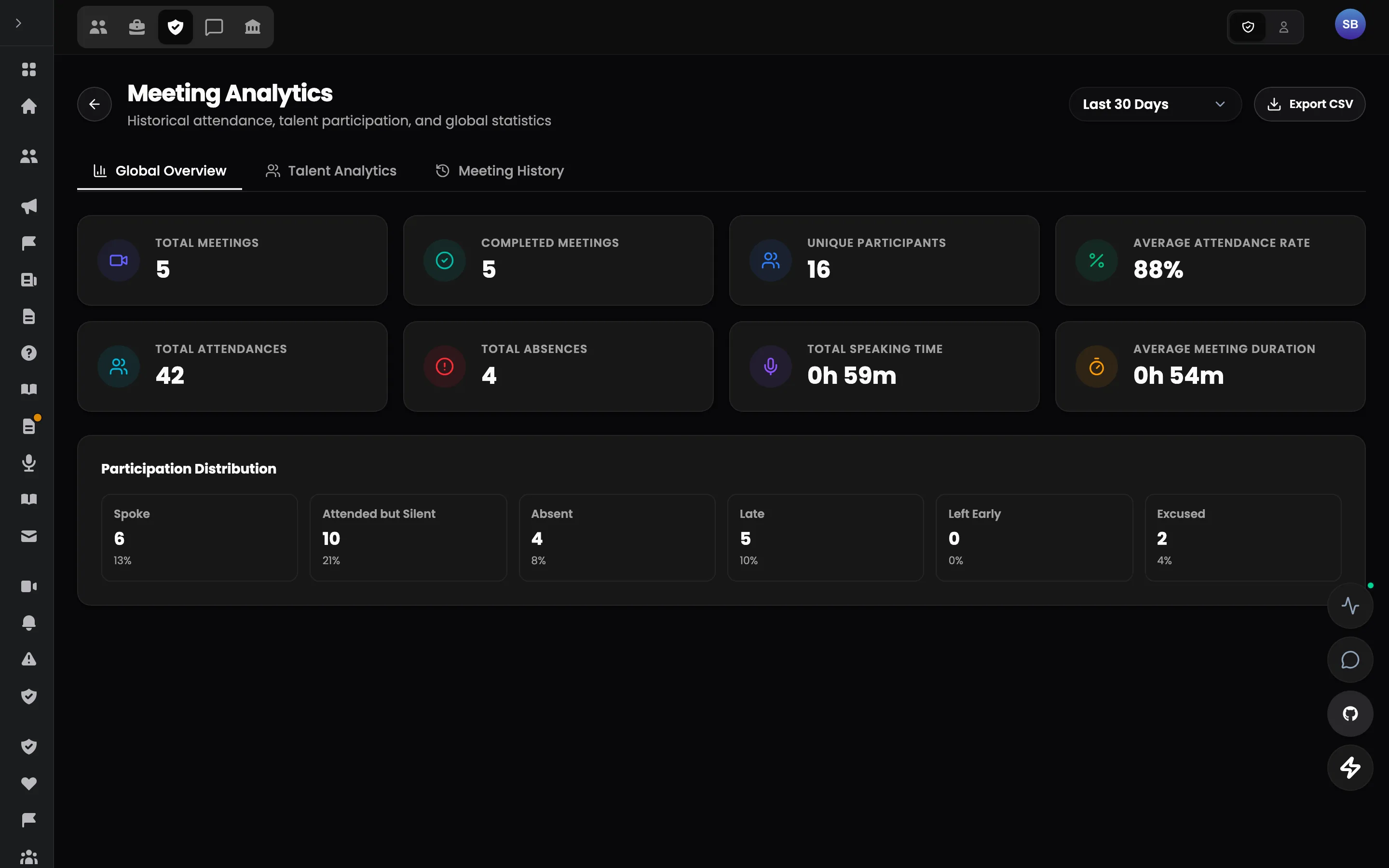
Operations
Analytics & performance
A score with a formula you can read.
ExploreThe pilot
What a pilot looks like
Scope
One team's day — attendance, check-ups and reports — for one shift group.
Steps
- 1Map the current day: check-ins, priorities, reports
- 2Configure the team, shift group, check-up and report forms, standards
- 3Run the pilot team's days in Talent Portal with time tracking connected
- 4Review attendance accuracy, report completeness and time spent on the weekly picture
What success looks like
- Attendance and reports agree
- Priorities visible per person, per day
- Weekly picture without assembling it
- Fewer missed standards
The pilot
Don't replace your stack on day one.
Start with the one workflow where fragmentation costs the most. Run Talent Portal alongside your current tools, measure the result, and expand only if it works.